Open D is one of the most “instant gratification” alternate tunings: strum all six open strings and you get a big D major chord. It’s great for slide, folk, and cinematic rhythm parts — and it’s easy to tune if you follow the right string-by-string targets.
Quick CTA:
- Open the preset: Open the Open D guitar tuner
- Want another classic open tuning? Open G tuning guide
Key takeaways
- Open D from low to high is D A D F# A D.
- From standard tuning, you only change three strings: E → D, G → F#, B → A, and high E → D. (A and D strings stay the same.)
- Open tunings are perfect for barre chords and slide, but tuning accuracy matters — use the preset.
- Start here: Open the Open D guitar tuner
Who this is for
This guide is for you if:
- you want a rich “open chord” sound for songwriting
- you’re learning slide and need a tuning that rewards simple technique
- you’ve tuned to Open D before but it never sounded quite right
What is Open D tuning?
Open D is an alternate tuning for 6‑string guitar where the open strings form a D major chord.
From lowest (thickest) string to highest (thinnest), Open D is:
D – A – D – F# – A – D
Standard tuning is:
E – A – D – G – B – E
So Open D keeps two strings the same (A and D), and shifts the others to “fit” a D major chord.
The fastest way to tune to Open D (step by step)
1. Open the preset so you can’t mix up targets
Use the preset so each string’s target note is always visible:
2. Start from standard tuning (E A D G B E)
If you’re not in standard already, it’s worth tuning to standard first. It makes the next steps predictable.
Need a quick refresher?
3. Change only the strings that move
From low to high:
- 6th string: E → D (down 2 semitones)
- 5th string: A (stays the same)
- 4th string: D (stays the same)
- 3rd string: G → F# (down 1 semitone)
- 2nd string: B → A (down 2 semitones)
- 1st string: E → D (down 2 semitones)
Go slowly, especially on the 3rd string (G → F#). It’s only a half-step, so it’s easy to overshoot.
4. Confirm the “open chord” sound
Once you’re tuned:
- Strum all six open strings.
- It should sound like a clean D major chord — big, stable, and not “wobbly.”
If it sounds sour, re-check the 3rd string (F#) and the 2nd string (A). Those are the most common “almost right” offenders.
How Open D makes chords easier
Open tunings are popular because you can get full chords with simple shapes.
Barre chords (one finger = a major chord)
In Open D:
- Open strings (no barre) = D major
- Barre the 5th fret = G major
- Barre the 7th fret = A major
That gives you a simple I–IV–V in D with one finger.
Tip: if you’re new to open tunings, start with those three “home base” chords and focus on clean, even pressure.
Quick “singer-songwriter” move: add one finger to change color
Try this:
- Strum open strings (D major).
- Add a finger somewhere on the top two strings to create a melody note.
- Keep the open strings ringing underneath.
This is the core Open D sound: a stable drone + small melody movement.
Want chord diagrams you can browse fast? Use the chord tool and select your tuning:
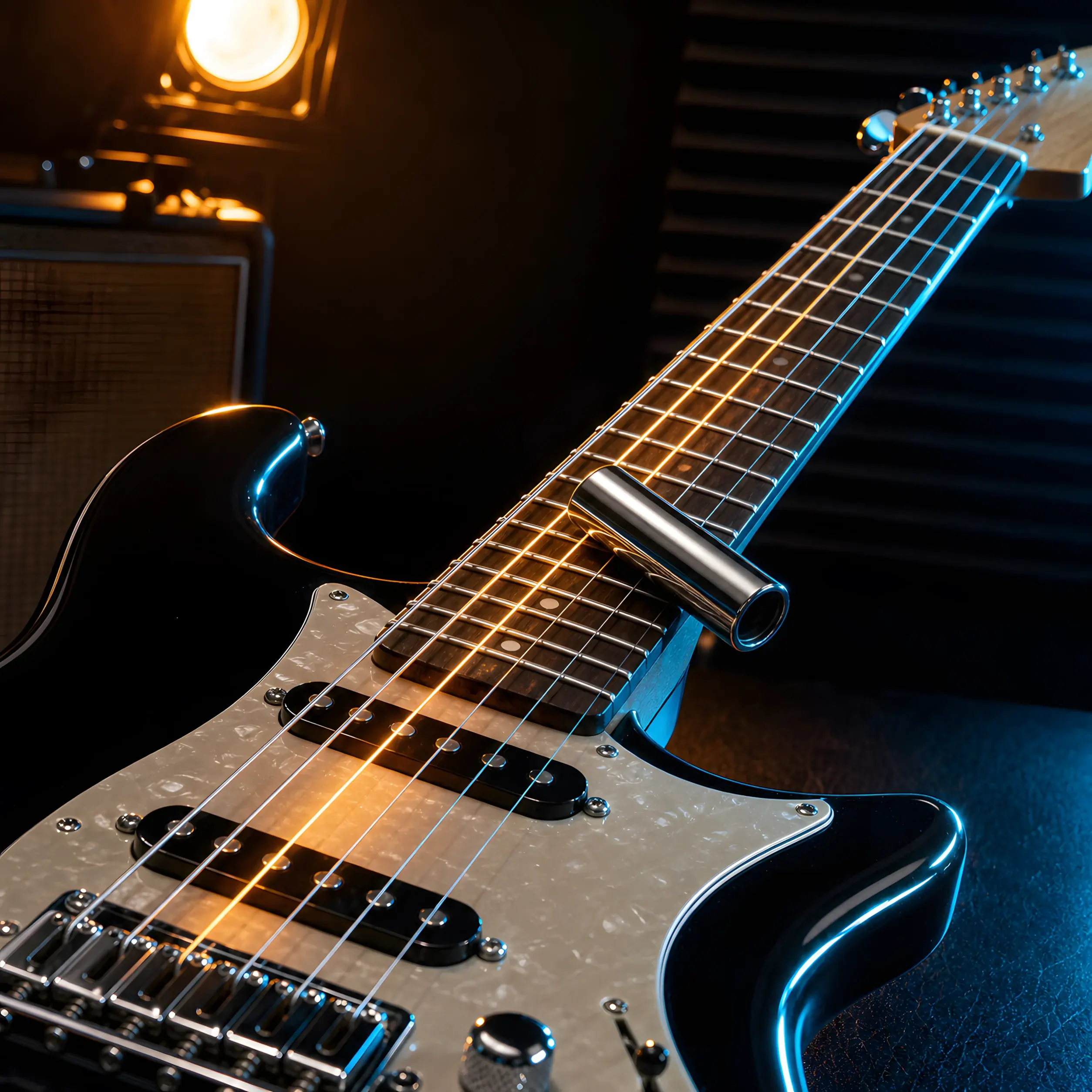
Open D for slide (simple, but it exposes bad tuning)
Open D is a classic slide tuning because:
- your slide can lay straight across one fret for a major chord
- you can play melodies on a single string and keep drones ringing
Slide tips that actually help:
- Tune accurately first (open tunings make bad tuning obvious).
- Use lighter pressure with the slide than you think.
- If the note sounds sharp, you’re pushing the string to the fret.
If you’re going to use heavier strings or a dedicated slide setup, a basic setup (nut/action) can make it feel smoother.
Common Open D problems (and fixes)
Problem 1: It sounds “almost” right but still weird
Double-check:
- 3rd string is F#, not G
- 2nd string is A, not B
Those two are the most common mistakes.
Problem 2: The tuner jumps between notes
Fixes:
- pluck one string at a time and mute the others
- tune with a clean tone (distortion adds harmonics)
- move closer to the mic
If the tuner isn’t responding, use this:
Problem 3: Chords sound in tune open but not higher up the neck
That’s often intonation. Open tunings make small intonation issues feel bigger.
A 5-minute Open D practice routine
Use this to make the tuning feel musical immediately:
- Set a slow click: Open the online metronome
- Play open D (all strings) for 4 beats.
- Barre the 5th fret (G) for 4 beats.
- Barre the 7th fret (A) for 4 beats.
- Return to open D.
Keep it clean and steady. Open tunings reward rhythm.
FAQs: Open D tuning
Is Open D the same as DADGAD?
No. Open D is D A D F# A D (a major chord). DADGAD is D A D G A D (a suspended/modal sound). If you want that “Celtic” vibe, start here:
Do I have to tune down, or can I tune up to Open D?
From standard, Open D mostly tunes strings down. That’s one reason it’s popular — it doesn’t increase overall tension.
What’s the easiest way to make Open D sound good fast?
Use the preset so each string is correct, then start with simple barre chords:
Can I use Open D on acoustic guitar?
Yes. It’s common on acoustic for fingerstyle and songwriting. Tune carefully and let the open strings ring.
Why does my Open D sound out of tune when I use a slide?
Most often it’s technique (pressing too hard) or intonation. Use light slide pressure and re-check tuning accuracy.
Next step: tune to Open D and try a simple chord loop
Tune up, then play D–G–A with the barre shapes. If you want another open tuning with a different vibe, Open G is a great next stop: