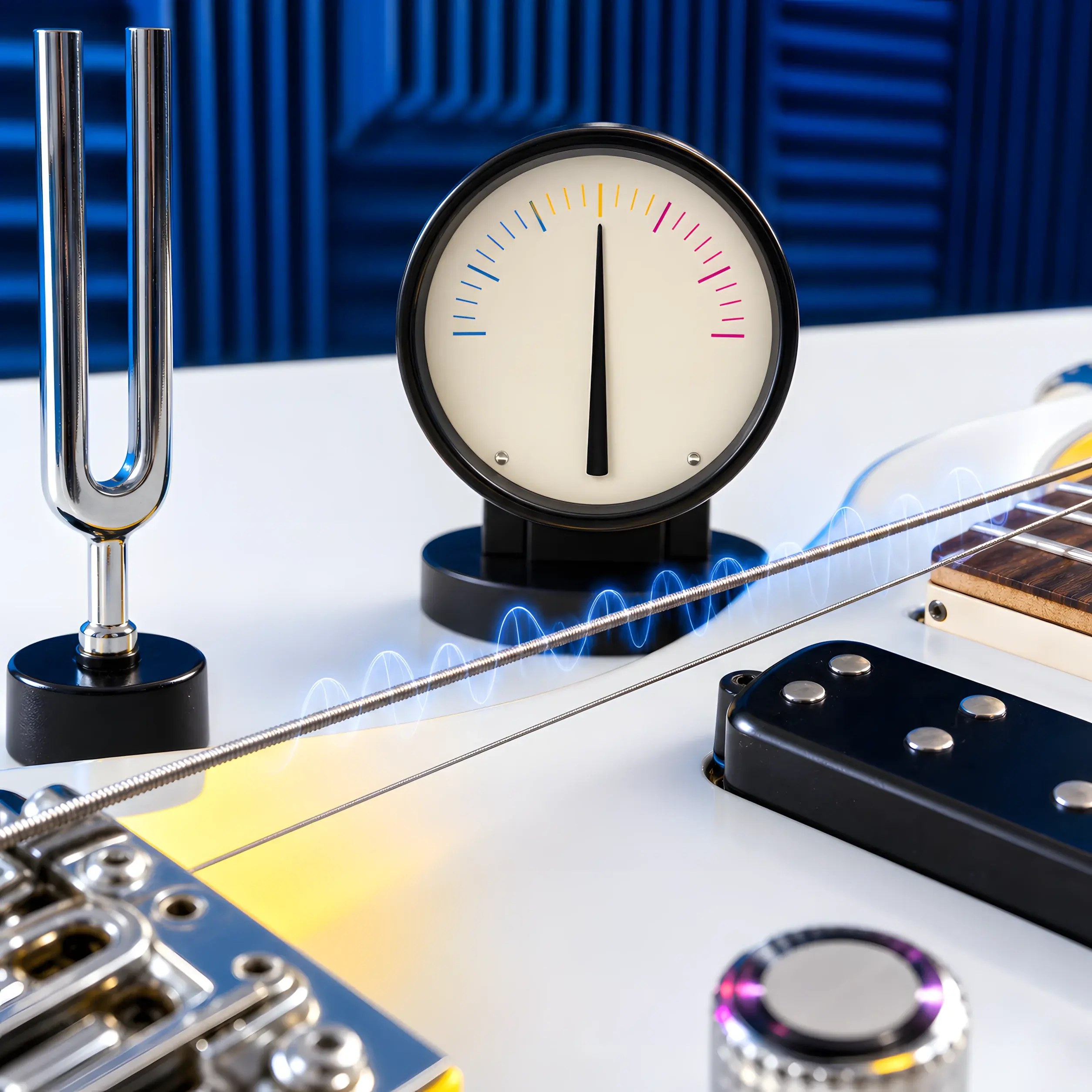
If you mostly practice at home, an online tuner is usually the fastest way to tune: open a tab, hit Start listening, and go. If you tune on loud stages or next to a drummer, a clip-on tuner often wins because it reads vibration instead of room noise. The “best” answer is situation-based — and many working players keep both.
Quick CTA:
- Try the online option now: Open the free online tuner
- Switching to an alternate tuning? Use a preset: Browse all tunings
Key takeaways
- Online tuner: best for fast tuning on phone/laptop, presets, and practicing in quieter spaces.
- Clip-on tuner: best for loud rooms and live gigs because it’s less affected by ambient noise.
- Clip-on tuners are usually inexpensive (often in the $15–$40 range), but the “right one” depends on your instrument and use case.
- If you’re choosing one today: online for home + learning, clip-on for stage.
Who this is for
This guide is for you if:
- you’re deciding whether to buy a clip-on tuner or just use a free online tuner
- you’re frustrated because your phone tuner struggles in noisy rooms
- you want a simple “what should I use?” answer for guitar, bass, or ukulele
Online tuner vs clip-on tuner (quick comparison)
Here’s the cleanest way to think about it:
- Online tuner (mic-based): listens to the air with a microphone.
- Clip-on tuner (vibration-based): clips to the headstock and reads instrument vibration.
Side-by-side table
| Factor | Online tuner (mic) | Clip-on tuner (vibration) |
|---|---|---|
| Best environment | quiet or moderately noisy | noisy rehearsal, loud stage |
| Setup | open a browser, allow mic | clip it on, turn it on |
| Cost | usually free | usually paid hardware |
| Presets / alt tunings | easy (choose a preset) | varies by model |
| Accuracy | very good with clean notes | very good, especially in noise |
| Convenience | great on any device | great if you carry it |
When an online tuner is the better choice
1) You want the fastest “open and tune” workflow
If you’re on a laptop or phone already, an online tuner is hard to beat:
No install. No accounts. Just tune and play.
2) You use alternate tunings (Drop, Open, DADGAD, etc.)
Presets are a big advantage of online tuners because they:
- show target notes per string
- reduce “wait… what’s string 2 again?” confusion
Examples:
3) You want one tool that works across instruments
If you jump between guitar, bass, and ukulele, an online tuner is a clean solution:
- one interface
- presets per instrument
- easy switching without carrying extra gear
When a clip-on tuner is the better choice
1) You tune in loud environments
If you’ve tried tuning next to:
- a drum kit
- a loud amp
- a crowd
…you’ve felt the main weakness of mic-based tuners: the mic hears everything. A clip-on tuner usually stays locked because it reads vibration, not room sound.
2) You want a dedicated “always ready” tool
Clip-ons are simple:
- clip it on
- hit power
- tune
No mic permissions. No browser prompts. No worrying about which input device is selected.
3) You tune mid-set
If you need quick between-song tuning on stage, a clip-on is often the lowest-friction option.
What about tuner apps?
Phone tuner apps sit in the middle:
- they’re mic-based like online tuners
- they can be convenient if you like a dedicated app workflow
If you already like using your browser for practice tools (tunings, chords, metronome), the online workflow is usually simpler:
Buying a clip-on tuner: what matters (so you don’t waste money)
If you’re deciding whether to buy one, these are the “real world” features that matter most:
- Display visibility: can you read it in dim light or bright sun?
- Stability: does it lock to a note quickly without bouncing?
- Instrument modes: guitar/bass/ukulele modes help, but chromatic mode is key.
- Build + clip strength: it should grip without feeling fragile.
Price is usually not the deciding factor because most clip-ons are affordable. The deciding factor is whether you’ll actually use it in your environment.
How to make an online tuner work better (even in noisy rooms)
If you want to stick with free online tuning, this checklist helps a lot:
- Get close to the mic (phone near the sound hole / pickups).
- Pluck one string and mute the others.
- Tune with a clean tone (distortion confuses pitch detection).
- If possible, turn down other instruments for 20 seconds.
If your tuner isn’t responding at all, start here:
FAQs: online tuner vs clip-on tuner
Are online tuners accurate enough?
Yes for most practice and everyday tuning. The biggest variable is your environment: mic-based tuning works best when you play one string at a time in a reasonably quiet space.
Do clip-on tuners work on electric guitar?
Yes. Clip-ons read vibration through the headstock, so they work on acoustics and electrics.
What should I use for a loud rehearsal?
If the room is loud and you need fast, stable tuning, a clip-on is usually the easiest solution.
What should I use for alternate tunings like Drop C or Open D?
Online presets are extremely convenient for alternate tunings because the target notes are explicit per string. Start here:
Should I own both?
If you play live often, having both is ideal: online for practice/presets and a clip-on for loud rooms and quick between-song tuning.
Next step: pick the tool that matches your reality
If you’re tuning right now, start with the free option:
If you consistently tune in loud rooms or on stage, consider buying a clip-on as a backup. Either way, the goal is the same: tune fast and get back to playing.